
Spend less time repeating the basics
Give staff a practical starting point before the same workflow has to be explained again by an attorney or senior team member.
Practical training for Florida law-firm teams
Give paralegals, legal assistants, and administrators a practical place to start for Florida filings, documents, deadlines, client files, and everyday firm operations.
Try the free practice lesson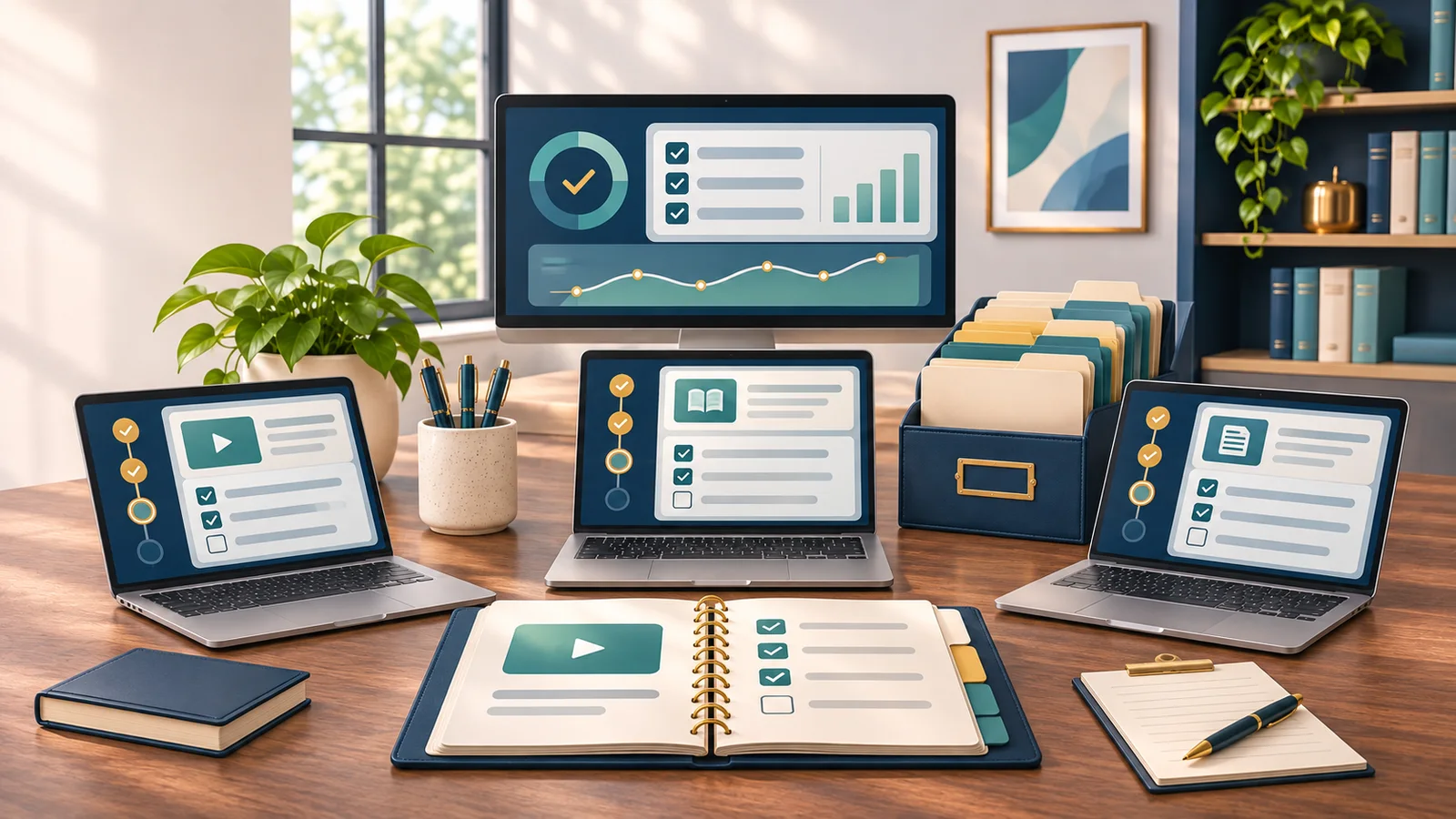
A repeatable training starting point
Plain-English workflow
Checklist and common mistakes
Visible supporting sources
Clear supervision boundaries
The business case
The library helps the person doing the task and the person responsible for supervising it.
Give staff a practical starting point before the same workflow has to be explained again by an attorney or senior team member.
Courses organize recurring work into goals, prerequisites, steps, checks, common mistakes, and supporting sources.
The training makes clear where firm policy, local procedure, software, supervision, or legal judgment must control.
See the product before you talk to us
Each preview shows the outcome, prerequisites, first steps, and selected sources without requiring an account.
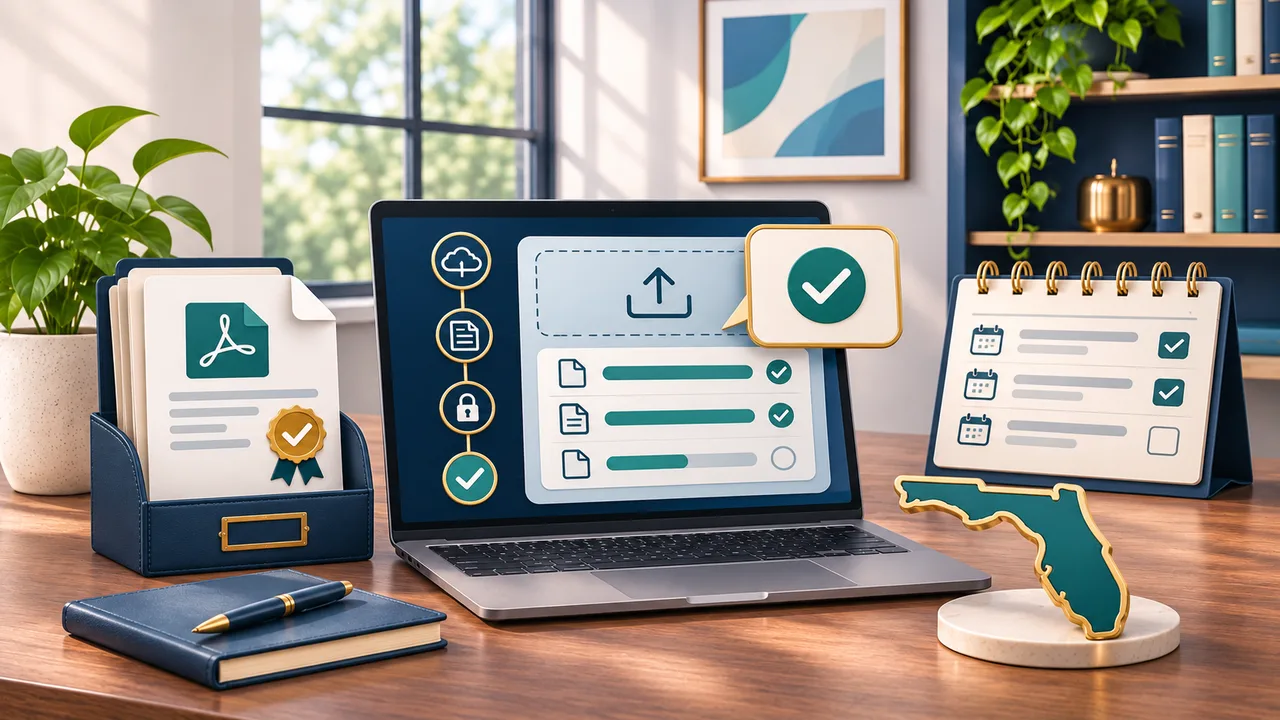
File an approved document into the correct existing Florida trial-court case, confirm the Portal result, and preserve a complete filing record.
Open preview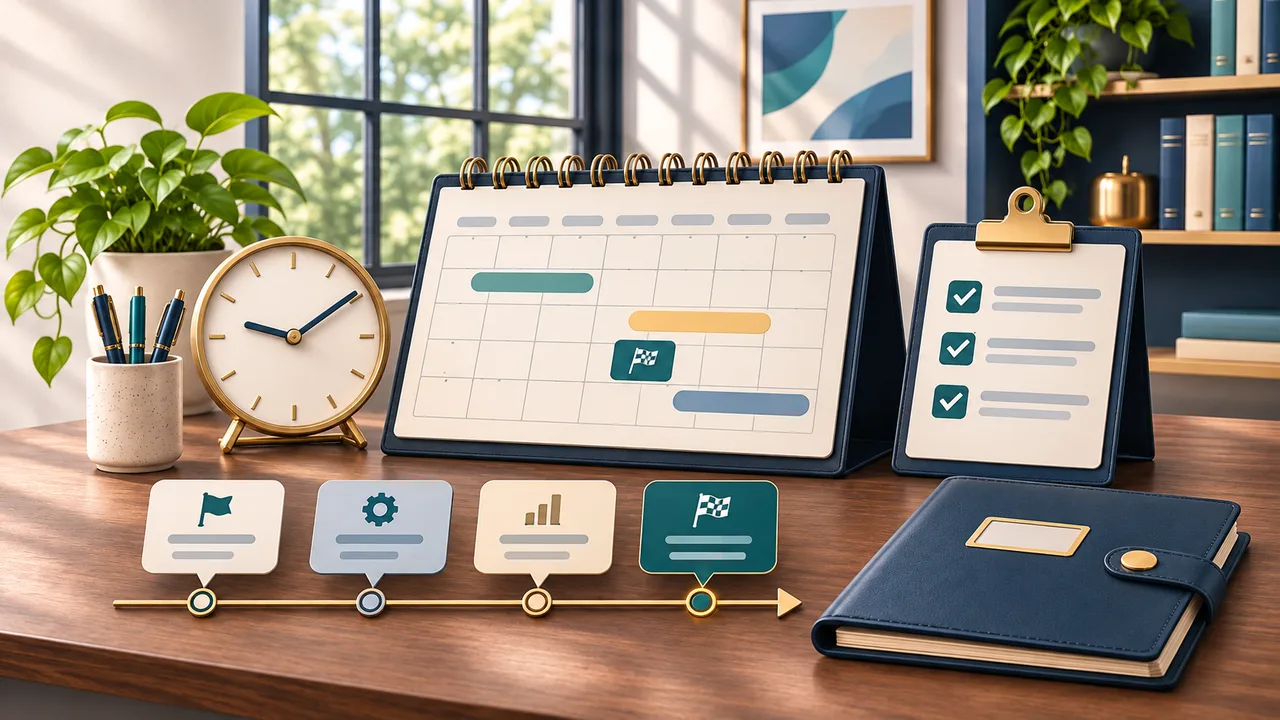
Turn an approved scheduling instruction into one complete calendar event, then reopen it and verify every critical field against the source.
Open preview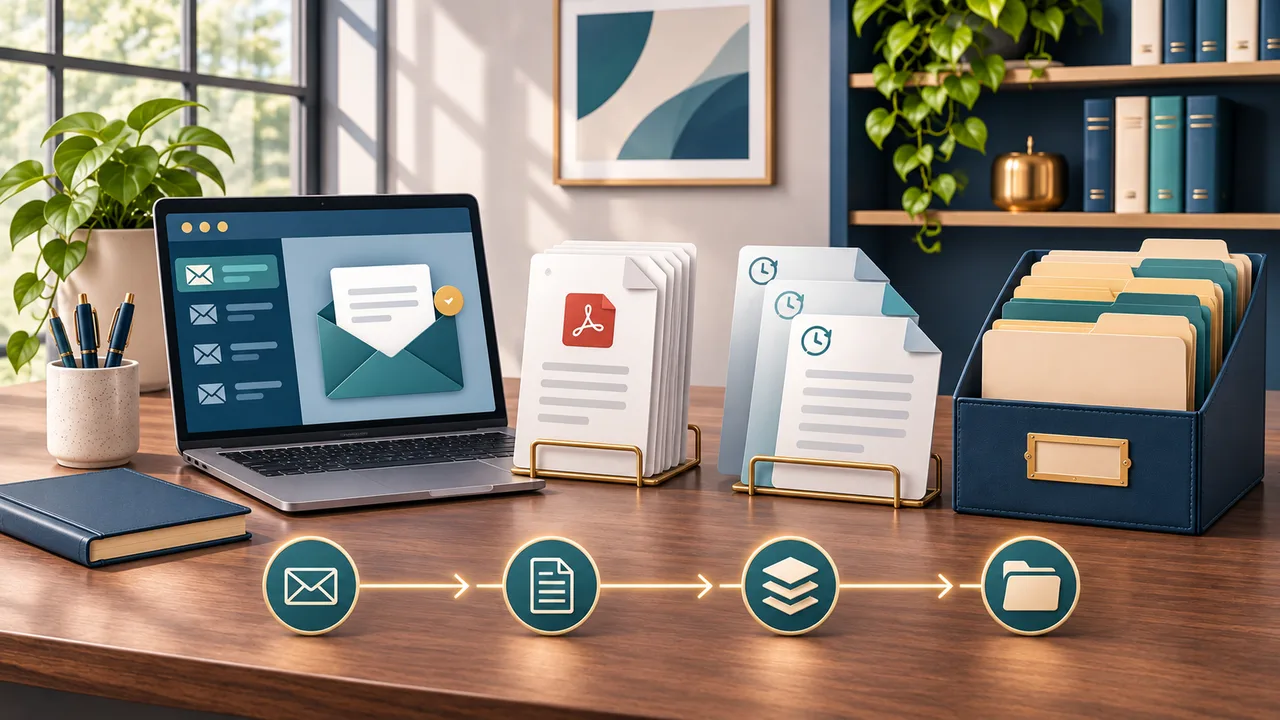
Review the exact outgoing document package, confirm the correct version and destination, remove unintended hidden content, validate required redactions, review the system response, and preserve proof.
Open previewFounding-firm access
We are inviting a limited number of Florida firms to use the library with staff, identify training gaps, and help prioritize the next workflows.
Attorney-founded
Attorney and founder
Tejus Karia created Law Firm Training Manual after confronting a recurring problem inside his own law firm: important operational knowledge was difficult to teach consistently and too often lived in one person's memory.
The approach grew from training law-firm team members in India to support practical day-to-day work. Repeated explanations became source-linked workflows, checklists, and review points that could be used again, improved, and adapted to the firm's authorized procedures.
The library provides practical education, not legal advice, and does not replace responsible-attorney supervision or firm-specific procedures.
“I appreciate the quality and presentation. I am learning quite a bit from the videos and content for each topic, and they are successful in holding my attention. The small tests are both fun and challenge the knowledge acquired. I love them overall!”
Questions from firm leaders
No. The library supplies a source-linked general workflow. Your authorized firm procedures, responsible attorney, current court instructions, and approved software controls remain the final authority.
No. Law Firm Training Manual is practical operational education for attorneys and supervised law-firm staff. It is not CLE, paralegal certification, or legal advice.
The library is attorney-directed and produced through an AI-assisted research, drafting, and quality-control workflow. Courses preserve supporting links, review dates, variability notes, and explicit supervision boundaries. Operational review by experienced law-firm staff is being added as the library grows.
It is intended for Florida firms that want a practical training starting point for paralegals, legal assistants, administrators, and other team members who handle recurring operational work.
We will ask about your team, practice areas, and training gaps—without requesting client information or case-specific facts.
Start the conversationUse fictional files in a training workspace. Have the learner show their work and the supervisor initial each check before moving to live matters.
Supervisor initials __________
Supervisor initials __________
Supervisor initials __________
Open the free Day 5 lesson · lawfirmtrainingmanual.com/free-lesson
Start the conversation
We will review your team size and training priorities, then reply personally about whether the current library fits and what a founding-firm pilot could look like.